.webp)
How ChatGPT Speeds Up WebFlow Development
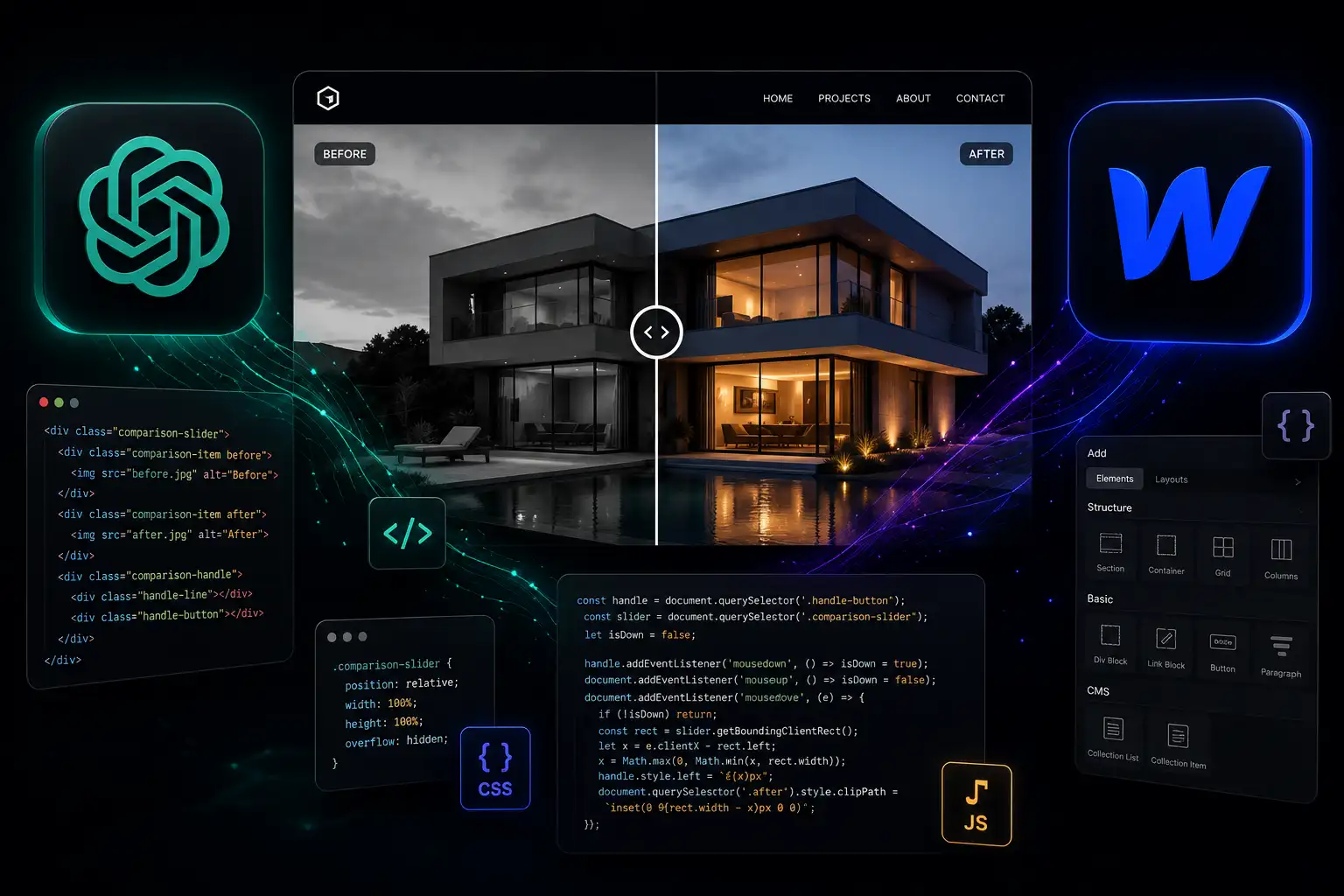
WebFlow gives me everything I need to build beautiful, responsive websites without writing much code. But every now and then, a project calls for something more interactive-something that isn't available out of the box.
One of my favourite examples is a Before & After image comparison slider.
Instead of spending hours searching forums, reading documentation, or writing JavaScript from scratch, I use ChatGPT as my development assistant. It helps me create clean, tailored code that I can integrate directly into my WebFlow projects, allowing me to focus on building great user experiences.
Why Use a Before & After Slider?
A comparison slider is a simple yet powerful way to showcase transformations. It's ideal for:
- Car PPF Protective Film
- Home renovations
- Beauty and cosmetic treatments
- Product redesigns
- Photography editing
- Website redesign case studies
Rather than showing two separate images, visitors can drag a handle to compare the "before" and "after" versions, making the results much more engaging.
Starting in WebFlow
The structure is straightforward.
I create the layout using native WebFlow elements:
- A wrapper container
- Two overlapping images
- A draggable handle
- Responsive sizing for all devices
Keeping the HTML structure clean makes it much easier to connect custom JavaScript later.
Using ChatGPT to Generate the Code
Once the layout is ready, I describe exactly what I need.
For example:
"Create JavaScript for a responsive before-and-after image slider in WebFlow with mouse and touch support, smooth dragging, accessibility, and clean, commented code."
Within seconds, ChatGPT produces a working solution that can be refined to match the project's requirements.
Instead of starting from a blank file, I begin with a solid foundation and customise it for the design.
Refining the Interaction
The first version is rarely the final one.
I continue working with ChatGPT to improve the experience by asking for features such as:
- Smooth drag animations
- Touch support for mobile devices
- Keyboard accessibility
- Custom handle styling
- Responsive behaviour
- Performance optimisations
- Better code organisation
This collaborative approach dramatically reduces development time while maintaining complete control over the final result.
Integrating the Code into WebFlow
Once I'm happy with the solution, I simply add the JavaScript using WebFlow's Custom Code feature or an Embed component.
Because the layout was built natively in WebFlow, updating images or adjusting spacing later remains quick and easy-without needing to rewrite the functionality.
The result is a reusable component that can be added to future projects with minimal effort.
Why I Use ChatGPT
For me, ChatGPT isn't about replacing development skills-it's about accelerating them.
It helps me:
- Prototype ideas quickly
- Generate clean JavaScript
- Debug existing code
- Explore different implementation approaches
- Add advanced functionality to WebFlow
- Spend less time on repetitive coding tasks
That means I can dedicate more time to design, usability, accessibility, and performance—the areas that create the biggest impact for clients.
Final Thoughts
AI has become a valuable part of my WebFlow workflow. Whether I'm building interactive components, creating custom animations, or solving technical challenges, ChatGPT helps me move from idea to implementation much faster.
A Before & After image slider is just one example of how combining WebFlow with AI-generated custom code can deliver polished, interactive experiences that would otherwise take considerably longer to build.
The goal isn't to use more code-it's to use the right code, efficiently, while keeping websites fast, maintainable, and enjoyable to use.
Related posts

WebFlow Is Now Available in ChatGPT: Here's Why It Changes Website Management
How ChatGPT Speeds Up WebFlow Development
My Figma Workflow: Designing Every Page with Relume
How I Started Using Claude to Speed Up My WebFlow Workflow