
AI Workflows vs AI Prompts: Where Businesses Find the Real Efficiency Gains
Using an AI assistant for isolated tasks is useful, but repeatable AI workflows can move automation into the actual processes a business runs every day.
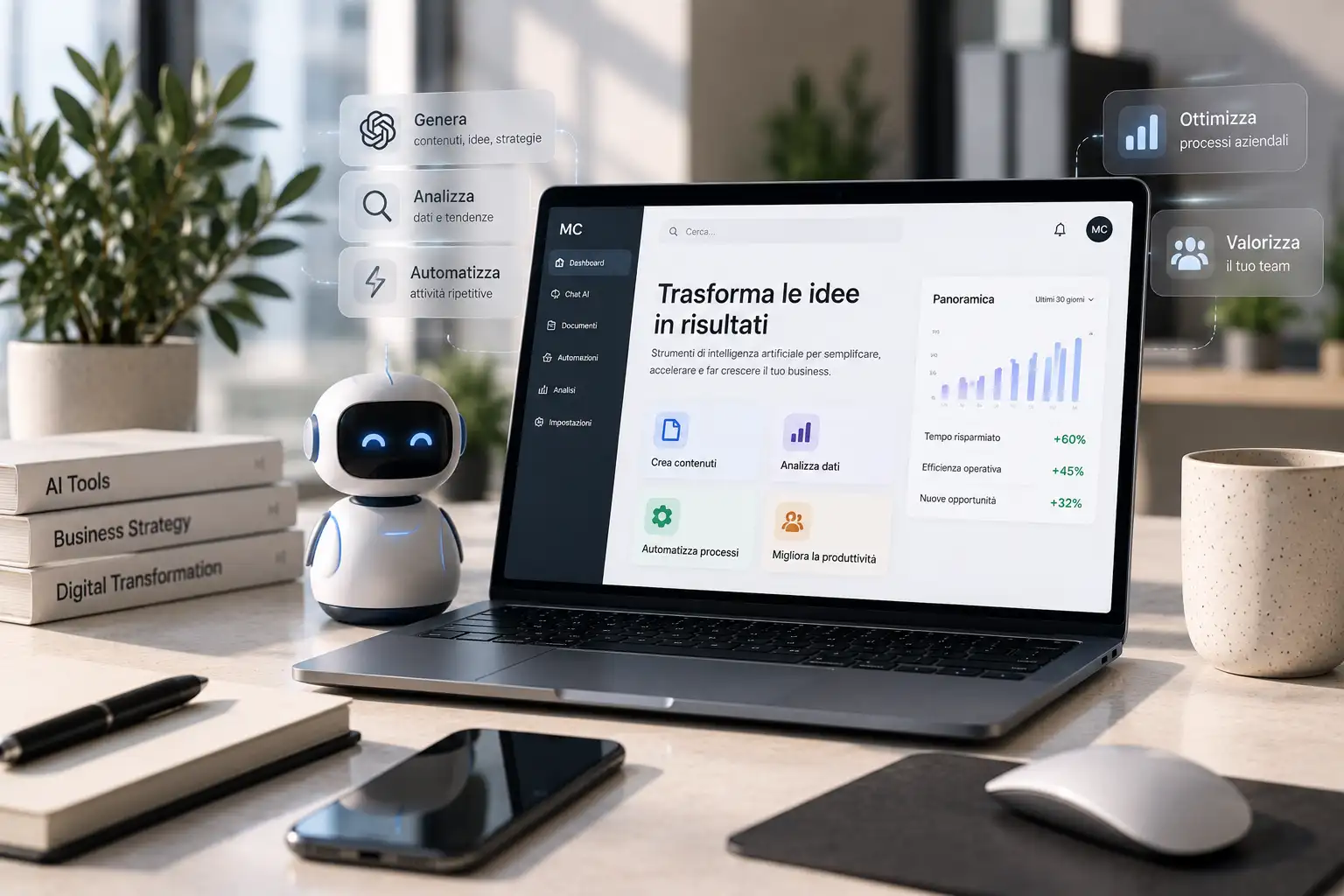
Many companies begin using AI through individual prompts: draft an email, summarise a document or generate an idea. That can save time, but it still depends on someone manually starting each task.
From assistance to workflow
Zapier describes AI workflow automation as embedding AI into repeatable processes. Instead of asking for the same task again and again, a workflow can trigger automatically when an event occurs, then use AI only where interpretation or generation is useful.
Examples include classifying an incoming request, drafting a personalised response, extracting information from documents or routing support tickets to the right team.
AI should not be used for every step
Good workflow design separates deterministic actions from tasks that genuinely require language understanding or judgement. A simple rule can often handle predictable logic more reliably and cheaply than an AI model.
Design the process before selecting the tools
Businesses get more value when they map inputs, decisions, outputs and human review points first. The technology can then support the process rather than dictate it.
This is where custom backends, integrations and automation become part of product design, not merely technical add-ons.
For custom workflows, dashboards and connected systems, explore web app and digital platform development.
Source: Zapier, AI workflow automation: What it is and how to get started.